Curios Mod Errors and Common Fixes
Curios mod errors are usually easier to fix when you classify them before changing files. The four most common groups are missing dependencies, wrong loader, wrong Minecraft version and duplicate JARs.
Missing dependency
If a mod says Curios is required, install the Curios build that matches that mod’s Minecraft and loader requirements. Do not use a random historical version.
Related: Browse all Curios mod guides or check the homepage compatibility overview.
Wrong loader
A Forge or NeoForge Curios file is not a substitute for a Fabric dependency. Check the profile loader in the launcher and compare it with the file naming and project requirements.
Wrong version
If the loader expects a different Curios API range, either update the dependent mod or install the compatible Curios build. Change one dependency set deliberately, not by trial-and-error stacking.
Duplicate JAR
Keeping two Curios versions in the same mods folder can produce duplicate-mod or class conflicts. After making a backup, remove obsolete copies and keep only the version required by the pack.
Missing slots without a crash
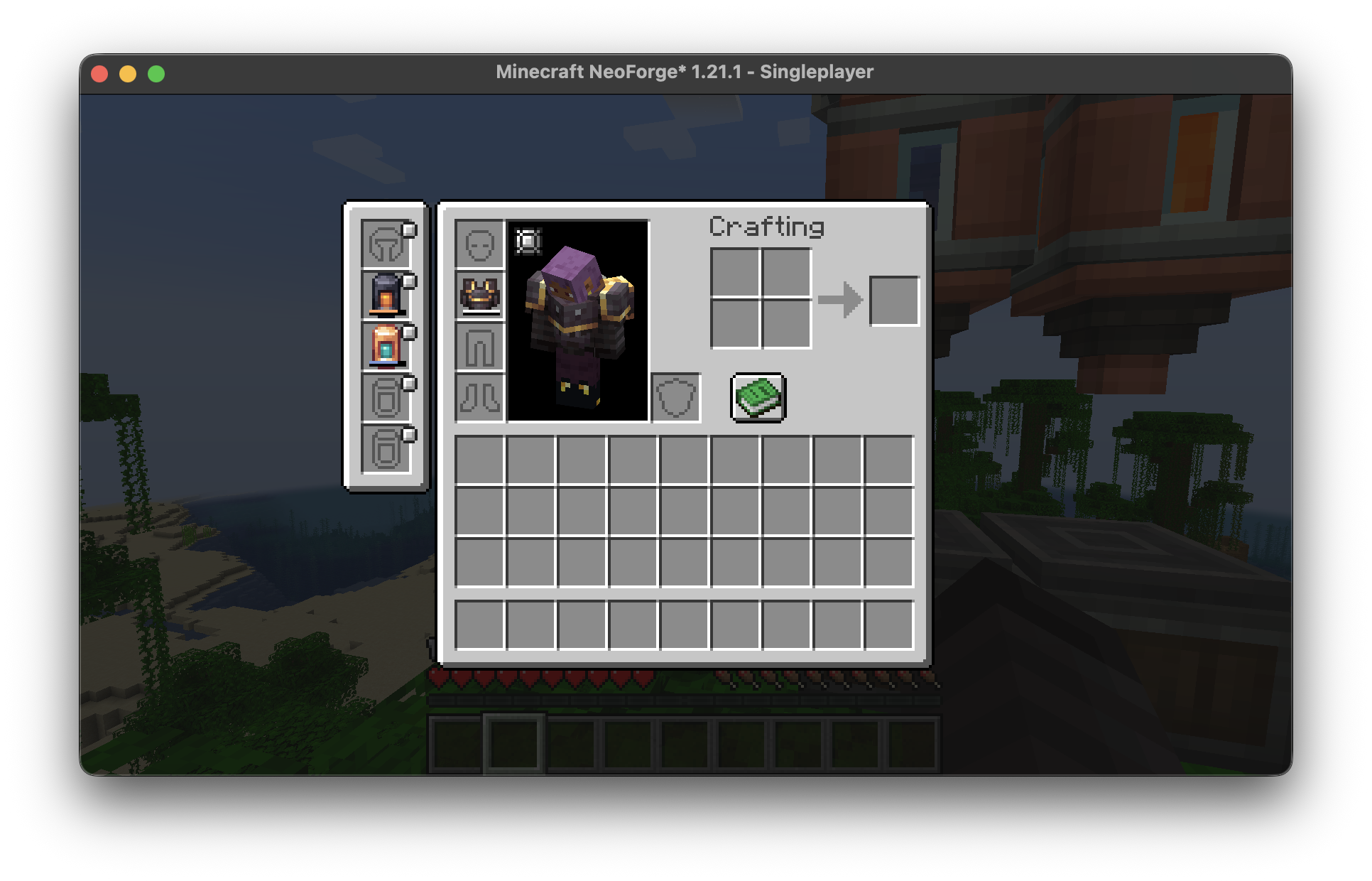
No visible accessory items does not always mean Curios failed. Confirm that a content mod actually registers slots or items that use the API.
Quick checklist
- Write down the exact Minecraft version.
- Confirm the loader family before choosing a file.
- Check which installed mod requires Curios.
- Back up worlds and configs before dependency changes.
- Read loader errors before trying another version.